Duplicate File Finder is a high-performance macOS application designed to detect and safely remove duplicate files.
The software is optimized for speed, stability, and low memory consumption, allowing it to process even very large storage volumes efficiently.
It combines intelligent file analysis with a clean and responsive user interface to ensure both accuracy and ease of use.
1. Drive & Folder Selection
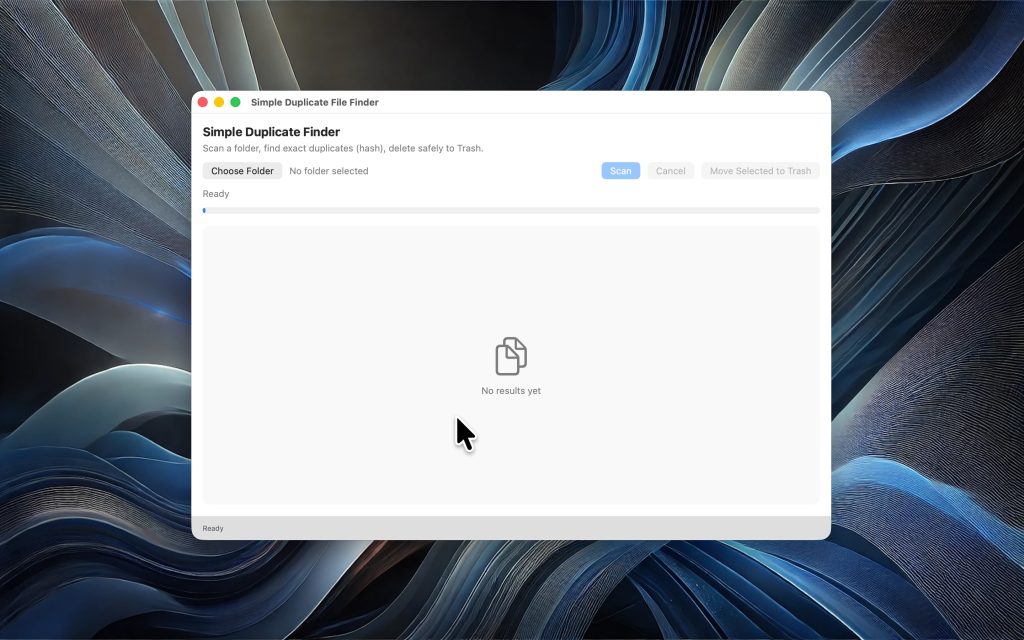
After launching the application, users can:
- Scan an entire drive
- Select specific folders
- Analyze external storage devices
The app uses modern macOS security mechanisms (Security-Scoped Access), enabling safe access to protected directories while maintaining system integrity.
2. High-Speed File Analysis
The scanning process is structured in multiple optimized stages:
• File Collection
All files are systematically indexed and organized.
• Size-Based Filtering
Files are first grouped by size to eliminate unnecessary comparisons and increase speed.
• Secure Hash Comparison
For potential duplicates, a cryptographic hash is calculated.
Only files with identical hash values are considered true duplicates.
This ensures maximum accuracy and eliminates false positives.
3. Real-Time Status Display
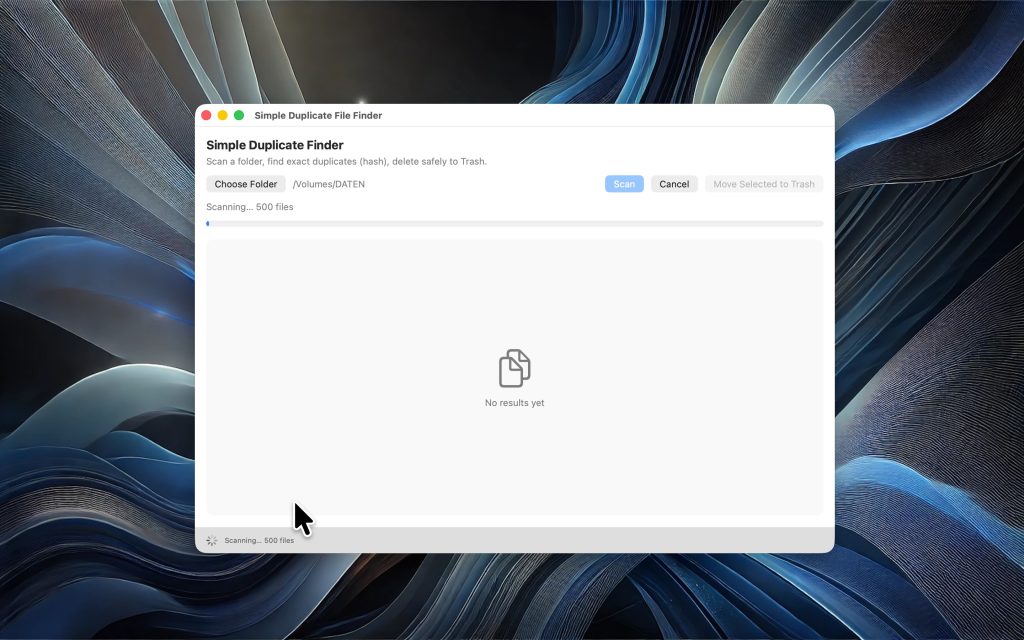
During the scan process, users receive detailed live feedback, including:
- Current processing stage (e.g., “Collecting Files”, “Comparing Hashes”)
- Progress indicator
- Number of files analyzed
- Runtime information
This guarantees full transparency while the application is working.
4. Structured Result Presentation
After the scan is complete, duplicate files are clearly grouped and displayed.
Each group shows:
- File name
- File size
- Storage location
- Number of duplicates
The structured layout allows users to quickly identify unnecessary files.
5. Safe Deletion System
The application includes built-in safety mechanisms to prevent accidental deletion of critical system files.
Users can:
- Select individual files manually
- Automatically keep one original file per group
- Move duplicates to Trash instead of permanently deleting them
This ensures maximum control and data protection.
6. Optimized Performance & Low Memory Usage
The app is specifically optimized to:
- Minimize RAM consumption
- Prevent UI freezing during large scans
- Ensure smooth scrolling of large result lists
Background processing keeps the interface responsive at all times.
7. Largest Files Overview
In addition to duplicate detection, the application can identify the largest files on a selected drive.
This feature helps users quickly free up storage space by locating unusually large files.
8. Secure macOS Integration
Duplicate File Finder follows macOS best practices:
- Security-Scoped Bookmarks
- Sandboxed file access
- Crash-resistant background processing
- Safe error handling
The application is built for stability and professional use.
Summary
Duplicate File Finder delivers:
✔ Accurate duplicate detection
✔ Fast multi-stage scanning
✔ Real-time progress tracking
✔ Secure deletion management
✔ Optimized performance for large data volumes
✔ Reliable macOS integration
It is a professional solution for users who want to free up storage space safely, efficiently, and with full control.